Best WhatsApp API Provider in India 2026 : Chatbot, CRM Integration & Lead Generation Guide
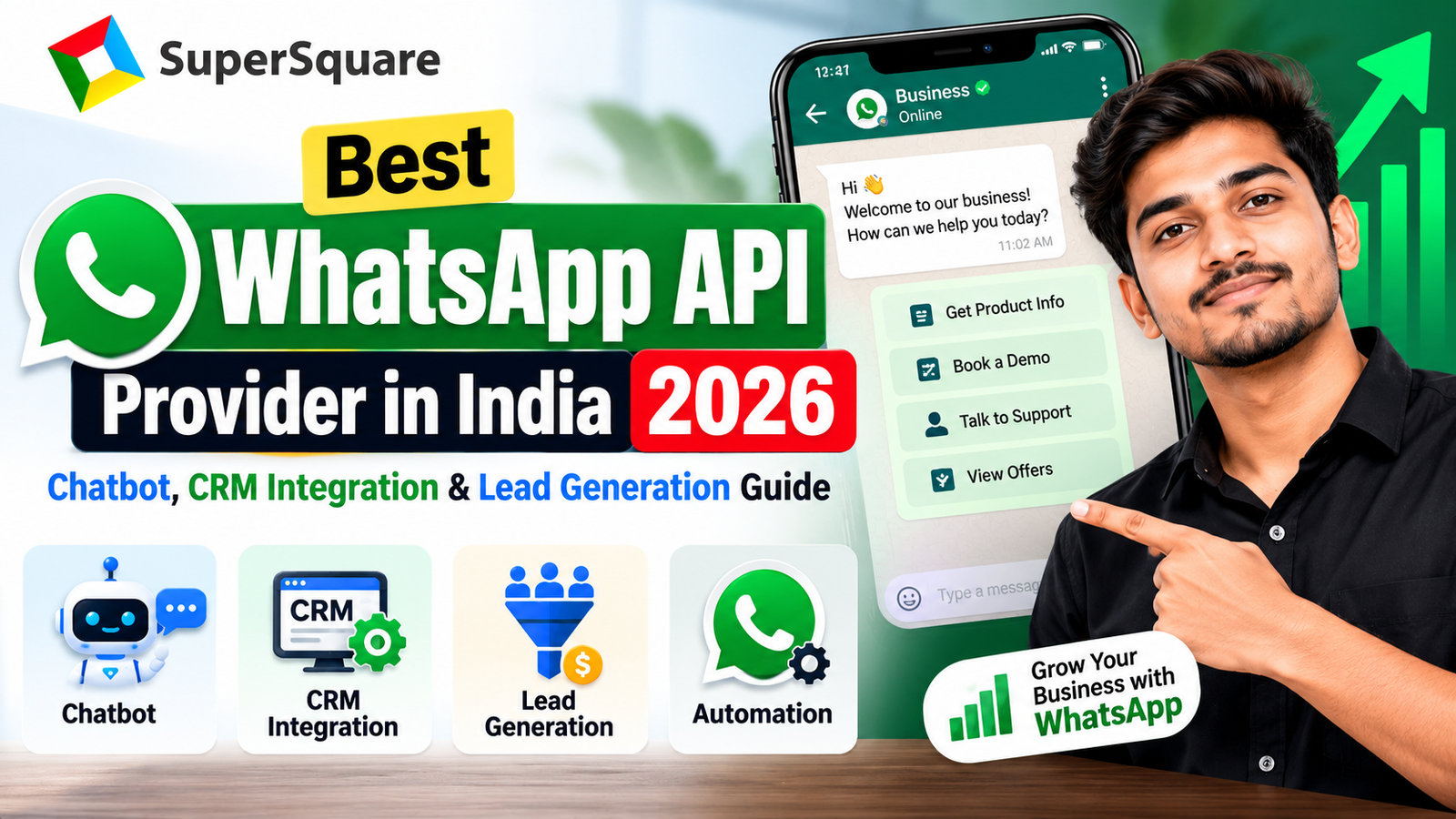
Best WhatsApp API Provider in India 2026 : Chatbot, CRM Integration & Lead Generation Guide
WhatsApp is no longer just a messaging app. For Indian businesses it is now a core channel for sales, support and payments. Customers reply faster on WhatsApp than on email or SMS, which is why founders, marketing heads and CTOs are looking for the best WhatsApp API provider in India to automate that conversation at scale.
This guide explains how the WhatsApp Business API works, what to look for in a provider, how chatbots and CRM integration drive revenue, and how to deploy it step by step.
What Is the WhatsApp Business API?
The WhatsApp Business API (also called the WhatsApp Business Platform) is Meta’s official solution for medium and large businesses. Unlike the free WhatsApp Business app, the API has no built-in interface. It connects through REST endpoints and webhooks to your website, mobile app, CRM, ERP or chatbot.
With it, businesses can:
- Send transactional messages: order confirmations, payment links, invoices, OTPs and delivery updates
- Run opted-in broadcasts: promotions, renewals and reminders to customers who agreed to receive them
- Use a shared team inbox: many agents handling chats from one verified business number
- Send interactive messages: buttons, list menus, catalogs and documents inside the chat
Because it is built for scale, the API removes the device and agent limits of the regular app.
Why Indian Businesses Are Moving to WhatsApp Automation
Email inboxes are crowded and SMS often goes unread. WhatsApp is where Indian customers already spend their day, so messages sent there are far more likely to be seen and answered. Industry reports consistently show WhatsApp engagement well above email and SMS, though exact rates vary by industry and campaign quality.
The business benefits are practical:
- Faster response times, even outside office hours
- Lower cost per lead through click-to-WhatsApp ads
- Less manual work for sales and support teams
- A single conversation history for every customer
How to Choose the Best WhatsApp API Provider in India
Not every provider offers the same depth. Use this checklist before you decide.
1. Official Meta-approved access. The provider should work through Meta’s official Cloud API or an authorized Business Solution Provider. Ask for proof, not just a claim.
2. Green tick verification support. A verified business name builds trust and improves response rates. Your provider should guide you through Meta Business Verification.
3. AI chatbot builder. Look for a flow builder plus AI intent recognition that understands English, Hindi and regional languages.
4. CRM and ERP integration. Two-way sync with Zoho, HubSpot, Salesforce or your own database is essential. Without it, WhatsApp becomes another data silo.
5. Template management. Message templates need Meta approval. A good platform helps you draft, submit and track them.
6. Analytics. You should see delivery rates, read rates, response time, chatbot resolution and conversions in one dashboard.
7. Security and uptime. Ask about data encryption, access controls and uptime commitments in writing.
8. Transparent pricing. Meta charges per conversation or message category, and providers add their own fees. Insist on a clear breakup with no hidden markups.
Ready to Automate Your Business on WhatsApp?
Talk to SuperSquare’s solutions team for a free consultation.
🌐 Website: www.supersquare.in
📞 Call / WhatsApp: +91 7033814333
📧 Email: support@supersquare
Official WhatsApp API vs Unofficial Tools
Many businesses start with bulk-sender software or WhatsApp Web plug-ins because they look cheap. The risks are real.
| Factor | Unofficial Tools | Official WhatsApp Business API |
|---|---|---|
| Meta policy compliance | Violates terms of service | Fully compliant |
| Account ban risk | High, can be permanent | Low when opt-in rules are followed |
| Message volume | Very limited | Built for high-volume sending |
| Integrations | Fragile, breaks on app updates | Stable REST APIs and webhooks |
| Team access | Limited sessions | Multi-agent shared inbox |
| Interactive features | Plain text and links | Buttons, lists, catalogs |
| Brand identity | Unknown number | Verified name and green tick eligibility |
The official API is not risk-free. Sending without consent or using poor-quality templates can still lower your quality rating. Opt-in discipline matters.
WhatsApp Chatbot Automation: Answer Every Lead Instantly
A WhatsApp chatbot handles the first conversation so your team can focus on closing.
What a good chatbot does:
- Replies instantly, 24/7, to common questions about pricing, courses, products or order status
- Asks qualifying questions such as budget, location or interest
- Scores leads and hands hot leads to a human agent with full context
- Supports checkout, appointment booking and payment links inside the chat
Where it works best:
- EdTech and coaching institutes: admission enquiries, fee reminders, demo class bookings
- FinTech and NBFCs: KYC follow-ups, EMI reminders, application status
- E-commerce: abandoned cart recovery, order tracking, returns
- Healthcare and services: appointment reminders and follow-ups
The best setups combine rule-based flows for predictable tasks with AI for open-ended questions, always with an easy path to a human agent.
WhatsApp CRM Integration: One View of Every Customer
Connecting WhatsApp to your CRM turns chats into structured data.
- Automatic contact creation: every new conversation becomes a CRM record
- Conversation logging: agents see the full history without switching tools
- Trigger-based messages: payment due, renewal, appointment or cart events send the right message automatically
- Smart lead routing: assign leads to executives by city, product or deal size
When sales, support and marketing all see the same data, follow-ups improve and leads stop slipping through the cracks.
WhatsApp Lead Generation: Three Proven Methods
1. Click-to-WhatsApp ads. Run Facebook and Instagram ads that open a WhatsApp chat instead of a landing page. The chatbot captures the lead immediately, while interest is high.
2. QR codes and website widgets. Place QR codes on packaging, hoardings, event stalls and printed brochures. Add a chat button on your website. Offline interest becomes a trackable digital lead.
3. Nurture sequences. Send helpful follow-ups, offers and reminders to opted-in leads over several days. Keep messages relevant and limited, because over-messaging hurts quality ratings.
Step-by-Step: How to Set Up the WhatsApp Business API
- Verify your business. Complete Meta Business Verification and choose a dedicated phone number for the API.
- Set up the Cloud API. Create the developer app, generate access tokens and configure secure HTTPS webhooks.
- Create message templates. Write clear, useful templates with variables and buttons, then submit them for Meta approval.
- Build chatbot flows and integrations. Design the conversation logic, add AI where needed and connect your CRM or database.
- Test and launch. Run load and flow testing, train your agents, then go live and monitor analytics weekly.
Common Mistakes to Avoid
- Sending without opt-in. This is the fastest way to get blocked and lose your quality rating.
- Choosing on price alone. The cheapest plan often lacks integrations, support or reliable uptime.
- No human handoff. Customers get frustrated when a bot cannot escalate.
- Ignoring templates. Rejected or low-quality templates delay campaigns.
- Skipping analytics. What you do not measure, you cannot improve.
Why Choose SuperSquare for WhatsApp API Solutions
SuperSquare Pvt. Ltd. is a custom software and automation company serving businesses across India since 2019. Instead of a one-size-fits-all subscription tool, SuperSquare builds WhatsApp solutions around your workflow and connects them to your apps, websites and ERP or CRM systems.
What you get:
- End-to-end support: business verification, API setup, template approval, chatbot development and CRM integration
- 100% source code ownership for custom builds, with no vendor lock-in
- White-label, customizable architecture that grows with your volume
- PAN India delivery with ongoing technical support
- Experience across EdTech, coaching, e-commerce and enterprise software, with 5 lakh+ end-users served
If you need WhatsApp automation tightly integrated with your own app or software, a custom-built approach gives you more control than a generic dashboard.
Frequently Asked Questions
Which is the best WhatsApp API provider in India?
The best provider is one that offers official Meta access, chatbot and CRM integration, transparent pricing and reliable support. SuperSquare is a strong choice for businesses that want custom, integrated automation.
What is the difference between WhatsApp Business App and WhatsApp Business API?
The app is for small businesses managing chats on a phone. The API is for scaled operations needing automation, multiple agents, integrations and high message volume.
How much does the WhatsApp Business API cost in India?
Cost has two parts: Meta’s per-message or conversation charges and the provider’s platform or setup fees. Total cost depends on your message volume, use case and features. Ask for a full breakup.
Can I get the green tick on WhatsApp?
Meta decides eligibility for the verified badge, usually based on brand authenticity and notability. A good provider helps you prepare and apply.
Can I send bulk messages to anyone?
No. You must have customer opt-in, and promotional messages must use approved templates.
Can WhatsApp integrate with my CRM?
Yes. Through APIs and webhooks, WhatsApp can sync with Zoho, HubSpot, Salesforce or a custom CRM.
Is the WhatsApp chatbot available in Hindi?
Yes. Modern AI chatbots can handle Hindi, English and other Indian languages.
How long does setup take?
Business verification and template approval depend on Meta, but a standard setup commonly takes from a few days to a few weeks.
Conclusion
The right WhatsApp API partner helps you respond faster, capture more leads and keep every customer conversation connected to your CRM. Focus on official access, solid integrations, clear pricing and strong support rather than the lowest price.
Ready to Automate Your Business on WhatsApp?
Talk to SuperSquare’s solutions team for a free consultation.
🌐 Website: www.supersquare.in
📞 Call / WhatsApp: +91 7033814333
📧 Email: support@supersquare.in
📍 Coverage: PAN India
Need Custom App or AI Solutions?
SuperSquare helps businesses scale with custom application development and autonomous AI workflows.